

Google Workspace Integration for Asset Management
Easier control over user data and security attributes
Sync up your data with our Asset Management System
Google Workspace Asset Management for Centralized Control
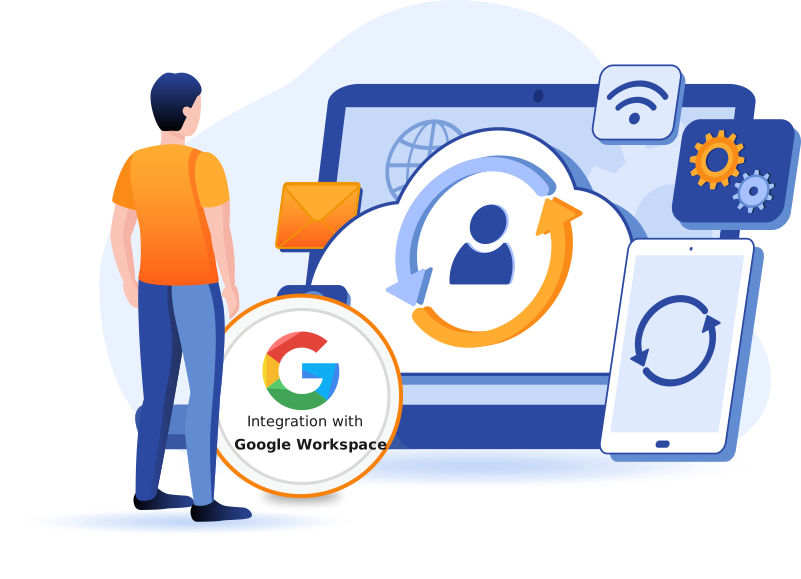
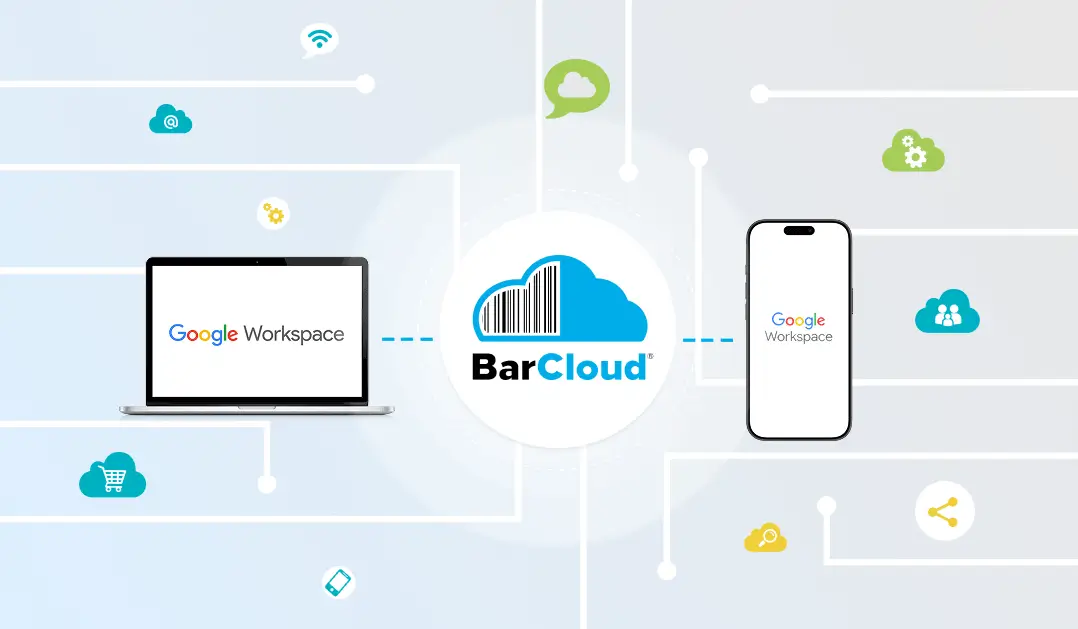
With BarCloud, you can have Google Workspace asset management that functions as part of our broader asset control system. User accounts and managed devices including Chromebooks and mobile devices are treated as asset-related resources tied to people, locations, and usage. Synching users means BarCloud helps improve Google Workspace asset tracking accuracy and ensures items and assets are always associated with current, authorized personnel. Its centralized identity data maintains asset control and reduces orphaned records whenever employees change roles, leave the organization, or move to a different team or site.
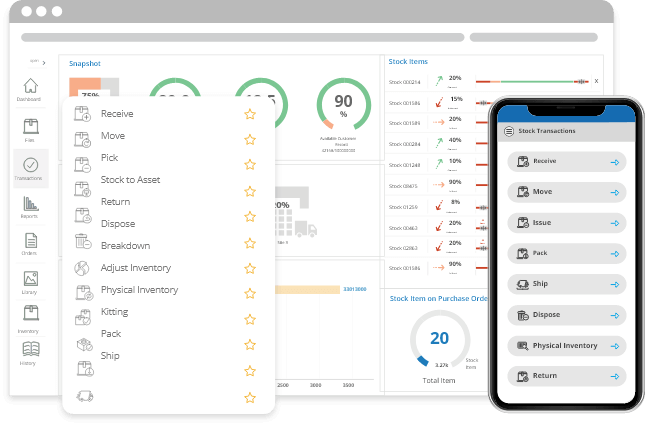
BarCloud’s advanced asset tracking for IT equipment and more is embedded within asset workflows. With check in/check out, custody requests, maintenance, and more handled inside this asset control software for Google Workspace, users have more control than if they were managed in isolation.
Sign in with Your Google Account
Enable SSO in the integration configurations to log in with Google
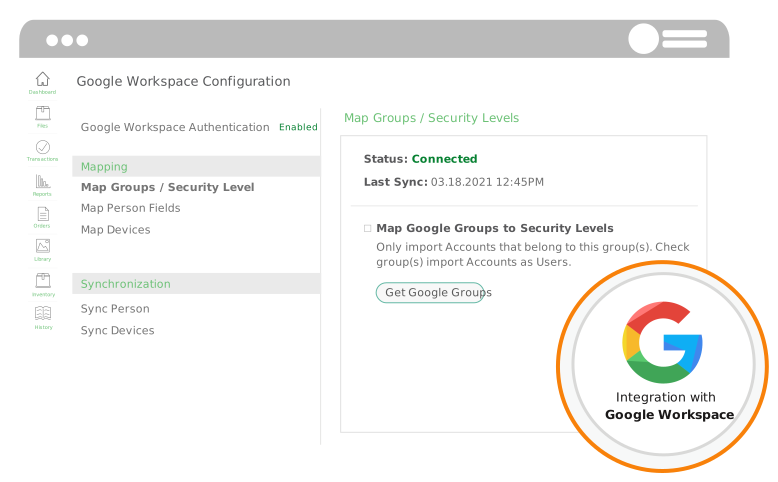
In the “Map Person Fields” Section of the integration configurations, users can enable Single Sign On (SSO) and choose which accounts will be authorized to use it. For users accessing our Web App through Google Chrome, signing in can be as simple as clicking a button when SSO is enabled and properly configured.
Configure Security and Access
Assign Security Levels to users so they only have access to the features they need
The integration configurations allow you to give or restrict access to features. You can choose to assign users to our pre-made security levels or create your own security levels based on your organization’s needs. The configurations also give you the capability to set and change the default security level for users.
Sync Users Across Platforms
Move people from Google Workspace to our Asset Tracking Solution with ease.
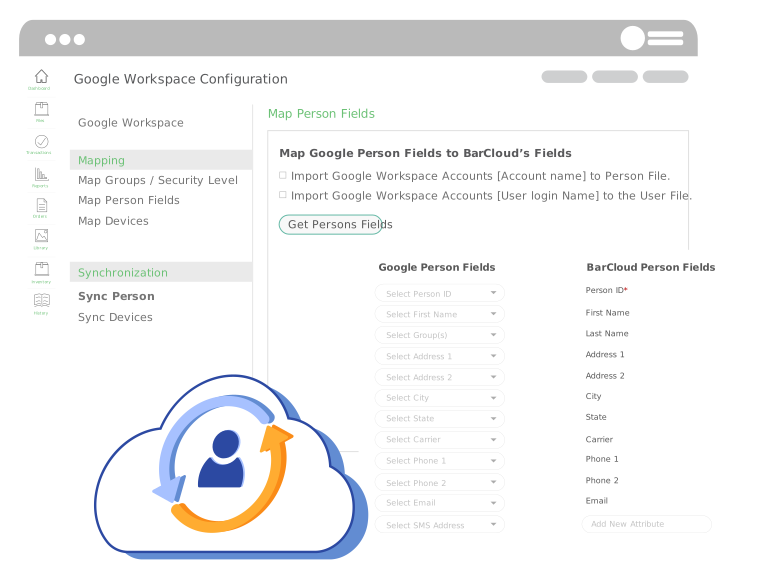
In the “Map Person Fields” sections, choose which attributes for the person files correspond with which attributes in our system. From there, all you have to do is choose whether these people will be entered into the device asset control software as “People” or “Users” and click Sync. People are individuals who cannot use the system but can still be assigned assets and Users are people who can do both.
Efficiently Sync Your Devices
Chromebooks, mobile devices and more can also be synced with this cutting-edge integration
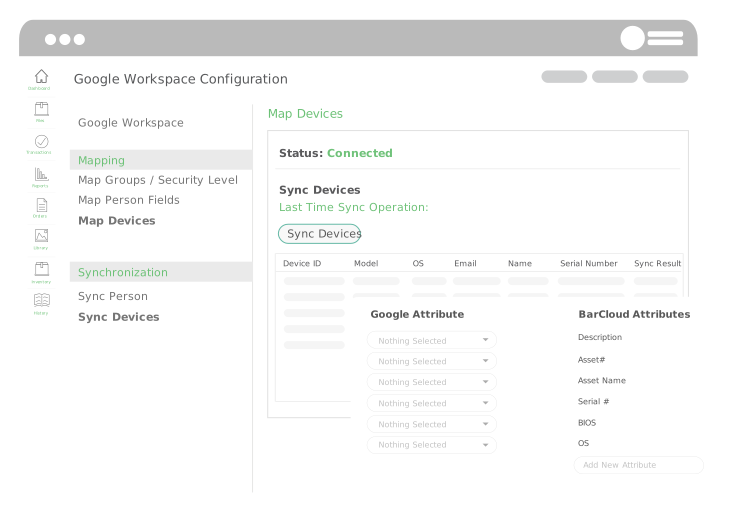
Similar to mapping and syncing people, there are “Map Devices” and “Sync Devices” sections within the Google Workspace integration. These sections work almost identically to the corresponding sections for people where all you have to do is link corresponding fields in both systems and then click a button.
Asset and Device Synchronization Across Google Workspace
BarCloud features device synchronization, supporting Google Workspace device tracking for Chromebooks and mobile devices by automatically aligning records with existing assets. The synced devices are managed as asset records, enabling better visibility into their availability, assignment status, and lifecycles. This is updated whenever devices are added, reassigned, or retired in Google Workspace, significantly reducing the need for manual updates. This feature strengthens asset control processes, especially in environments that have frequent device turnover such as IT departments, schools, and businesses with distributed teams.
Our Other Integrations
Check out who else our cutting-edge software is integrated with
Our Google Workspace integration is especially beneficial for industries such as education, where the platform is widely used, but we offer more. Learn more about our Asset Solution’s other powerful integrations:
FAQs
How does Google Workspace asset management work within BarCloud’s asset tracking system?
Data from Google Workspace concerning users and devices syncs directly with BarCloud to support your asset management workflows. With consistent identity and device data, you can improve asset tracking accuracy for your organization.
Can Google Workspace users be synced without giving them full system access?
BarCloud has distinct categories for people and users, which helps you support accountability for your assets without expanding system permissions that aren’t necessary. This provides you with greater governance and asset controls.
How does this integration support asset control for IT and education environments?
Educational environments frequently reassign devices, which makes the automated asset updates provided by BarCloud especially beneficial. Syncing users and devices automatically reduces asset discrepancies, helping education and IT teams keep up with devices as they change hands.
Does syncing devices from Google Workspace replace manual asset tracking?
The automatic syncing of data reduces the need for manual tracking but does not eliminate the need for asset control processes. These features work best when combined with asset tracking processes such as check-out, maintenance, and reporting as part of strong workflows.