

Inventory Control &
Asset Management Mobile App
Mobile inventory and asset management for iOS and Android
Manage your inventory and assets on the go with mobile access to your system, wherever your work takes you.
Manage the Day-to-Day
What is our Mobile Device Inventory & Asset Management Software for?
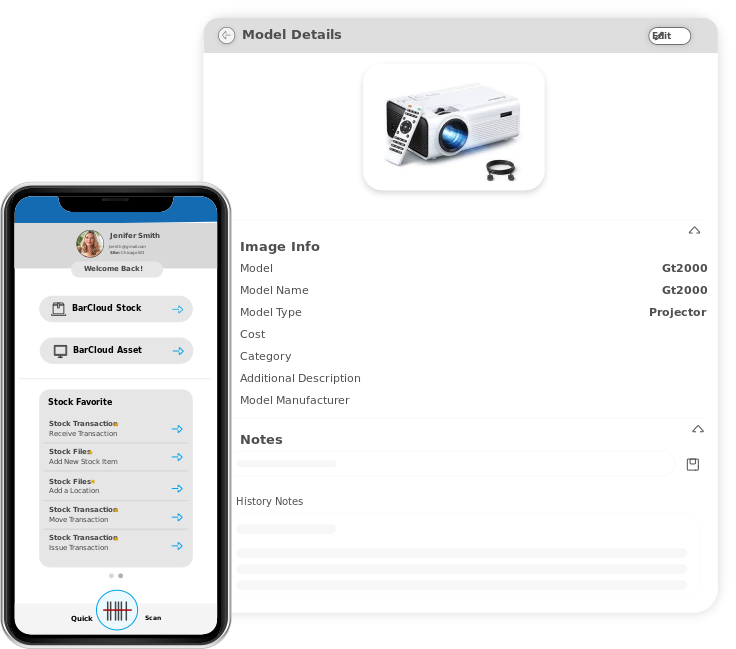
Our Mobile app was created to make the day-to-day transactions easier to perform. With a variety of benefits and features created specifically to make your life easier, our Inventory Management and Asset Tracking Mobile App is a convenient way to manage inventory and asset transactions.
You will no longer be bound to a physical location or restricted to a desktop computer. This means that you can handle supported inventory management and asset tracking tasks from a compatible mobile device. With this flexibility, you save valuable time and also keep inventory and asset records updated as you work, subject to your device’s connectivity and synchronization settings.
Track Your Inventory and Assets on Any Device
Our Mobile Inventory and Asset Tracking App Supports iOS and Android Devices
Our system is BYOD (bring your own device), meaning you can utilize our software on your own devices. The mobile app supports compatible iOS and Android devices, including smartphones and tablets. Specific device and operating system requirements should be confirmed before use.
You won’t have to worry about buying new hardware. Additionally, the back cameras of these devices can be used to scan barcodes, allowing the app to capture barcode data for supported inventory and asset workflows.
Scanning a barcode captures the data encoded in the barcode for use by the system. This is different from barcode data parsing, which means interpreting the scanned data into separate fields or values. Confirm which barcode formats and parsing options the mobile app supports before describing them as available features.

Our Latest Features Designed for Effortless Inventory and Asset Management
Check out some of the recent releases within our Mobile App
We make it our mission to constantly and consistently improve our services and provide our customers with the best tools to streamline operations. The following features should be checked against the current mobile app release before publication:
Uninterrupted Workflows
Effortlessly perform inventory transactions and asset processes without any disruptions. The mobile app supports workflows for adding inventory or asset items during an existing transaction, subject to the current app functionality.
Gone are the days of having to exit out of a transaction in progress just to add inventory or asset items to your system. Our newest update enhances work productivity by allowing you to seamlessly add inventory or asset items into your system without the need to close the ongoing transaction process.
Printing Barcodes
Say goodbye to the hassle of switching between different devices just to print out barcodes. The mobile app can export barcode labels to PDF format, allowing users to print them through a compatible printing workflow.
Whether you’re on the go, working onsite in a warehouse or from a remote location, our mobile app can help you generate barcode PDFs for printing, depending on your device and printer setup.
Export Reports & Analytics
Our latest update brings a new level of convenience to generating reports through our mobile app. We have taken the reports from our desktop system and transformed them into a simplified and user-friendly interface within our app. Users can view supported reports and use available options to refine the information displayed.
You have complete control over the reports in our app. This means that you can easily select the columns that are relevant to your needs and apply filters to refine the results. You can seamlessly export these valuable insights as Excel or PDF files, making it more convenient to print reports from your mobile device if you need to.
View Inventory & Asset Transaction History
The latest feature in our Inventory Management and Asset Tracking App lets users conveniently browse through, search for and view the history of any inventory or asset transaction conducted in our system. You can review the history of inventory and asset transactions such as Receive, Move, Transfer, Maintenance, Reservations, and many more.
Designed to be fully configurable, this feature will only show the exact information you have set for each inventory or asset transaction on the web app. Just select the fields you need in the web app's system configurations and your inventory and asset transaction data fields will be updated on both the web and mobile applications. Personalize your view to include signatures, quantity of items, the location where the transactions occurred, and more!
Keep Your Data Synchronized
Always stay up to date with our convenient Mobile Inventory/Asset Management Software
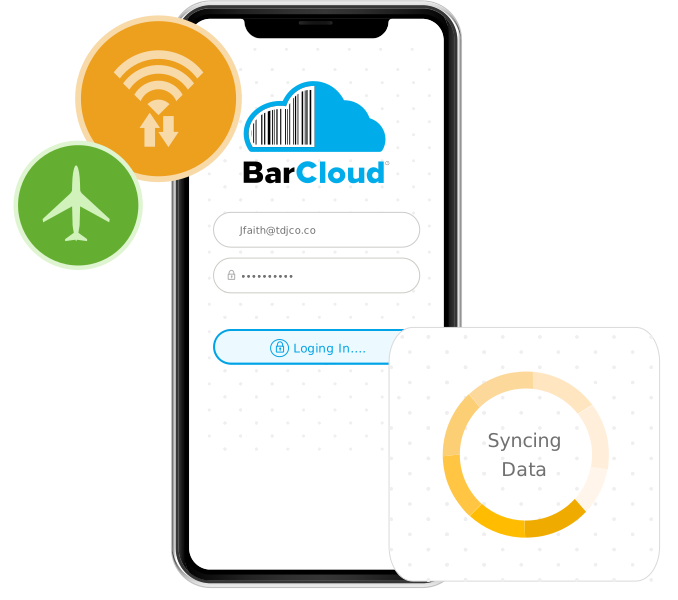
With our Inventory Management and Asset Tracking Mobile App, you can synchronize collected data with your system when connected to Wi-Fi, reducing the need to return to a dock to sync a compatible barcode scanner manually.
If the Internet connection in your facilities is limited or spotty, the app’s offline mode allows users to continue working without a Wi-Fi connection. Collected data can sync when connectivity is restored, subject to the app’s supported offline workflows and synchronization settings.
Take Charge of Your Transactions
Phones and tablets aren’t the only way you can use our system
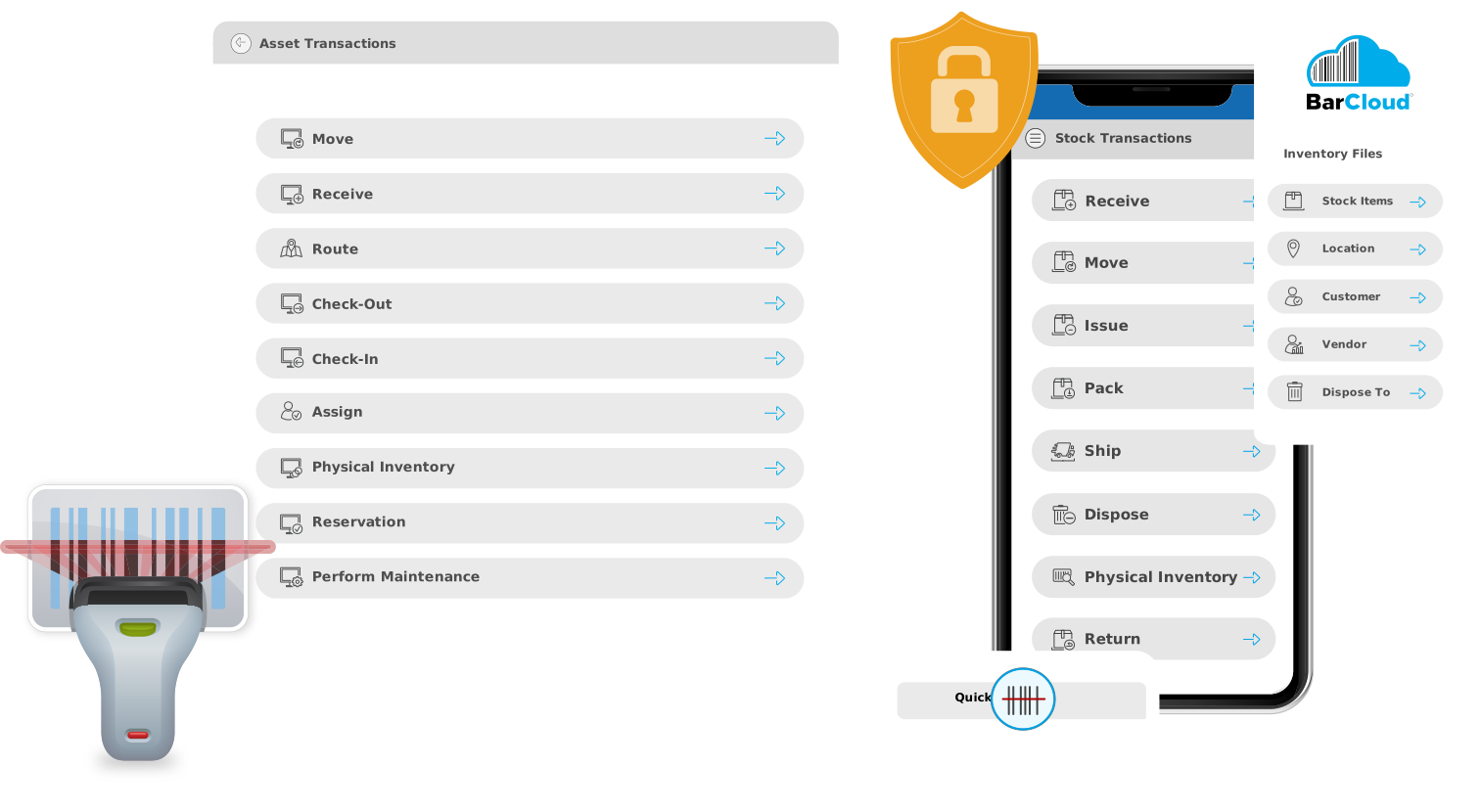
If you want to combine the functionality of a mobile app with the precision of a real laser scanner, check out our Barcode Scanners! Users can scan inventory and assets using compatible Android barcode-scanning devices, which may be a better fit for high-volume scanning workflows.

Easily Manage Your Mobile Devices
Our system even allows you to manage your Inventory/Asset Management Mobile Devices
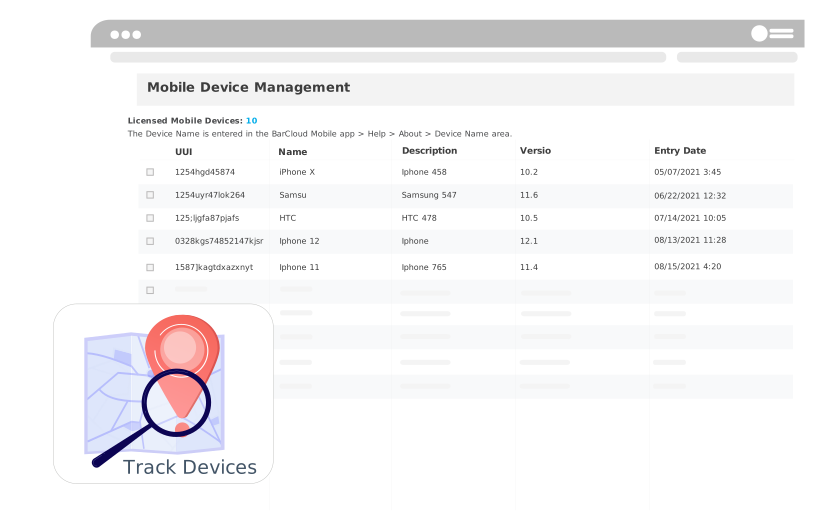
Our Mobile app provides administrators with a comprehensive view of device registrations and user access, offering valuable insights for effective management. With just a few clicks, administrators can easily access vital information about registered devices, authorized transactions, and the corresponding user details.
This powerful feature ensures administrators can conveniently retrieve the data they need to maintain control and optimize system operations.